🏠Home note
✅Tasks
an example view of tasks grouped by tags
note that in the web view of this vault task queries will not be rendered. However the query blocks can still be used as a reference.
group by tagsyou could also have multiple views and sorting methods This canvas has a few example layouts and queries
Use the second link in the web version of this vault. The following will work only if opening this vault directly in obsidian from the releases page. _9999 Tasks
Where to?
Let’s start with the _Introduction
Check out some example workflows
Explore the Canvas demo (you can return to this vault with the “Vault Home” links.
TABLE WITHOUT ID file.link as "Tutorial Topics"
From #obsidiancourse
Daily Notes
Why not create today’s daily note?
name Open Today's Daily Note
type command
action Periodic Notes: Open daily note
color yellow
Or how about review some past notes and make permanent notes from them?
TABLE WITHOUT ID file.link as "Link", file.etags as "Tags"
FROM #ingest
Ongoing Projects
or maybe you have ongoing projects or literature notes that you are actively working on and you want to show them here to help you focus on them exclusively.
TABLE WITHOUT ID file.link as "Link", file.etags as "Tags"
from #project/ongoing
🔌List of plugins currently installed in this demo vault
Consult this list if you are struggling to find a missing setting in your own vault. You may have to enable community plugins
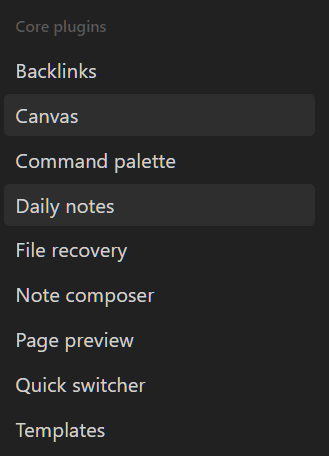
you may also want to check settings>core plugins to see if any are not enabled by default that you need.
Collapsed bullet points
Click the purple arrows next to each item below to expand their descriptions
- Settings search
- this will put a search bar in the settings menu
- Buttons
- adds the ability to create buttons in your notes that can run commands for you (like the open today’s note button above)
- Calendar
- adds some basic calendar functionality. - there are better alternatives
- Dataview
- allows for generating tables and lists of notes from queries based on metadata, tags, file contents, and file properties
- Editor Syntax Highlight
- highlights syntax of various coding and markup language languages
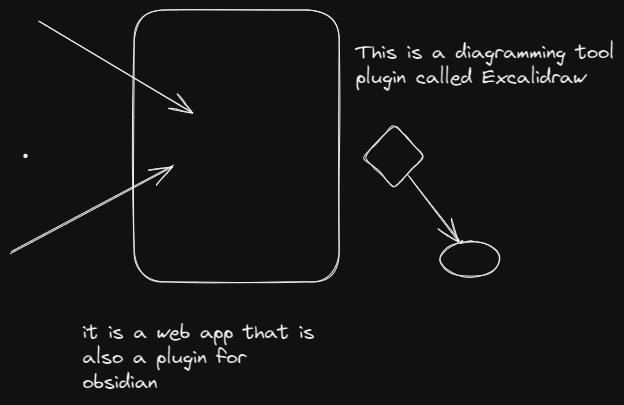
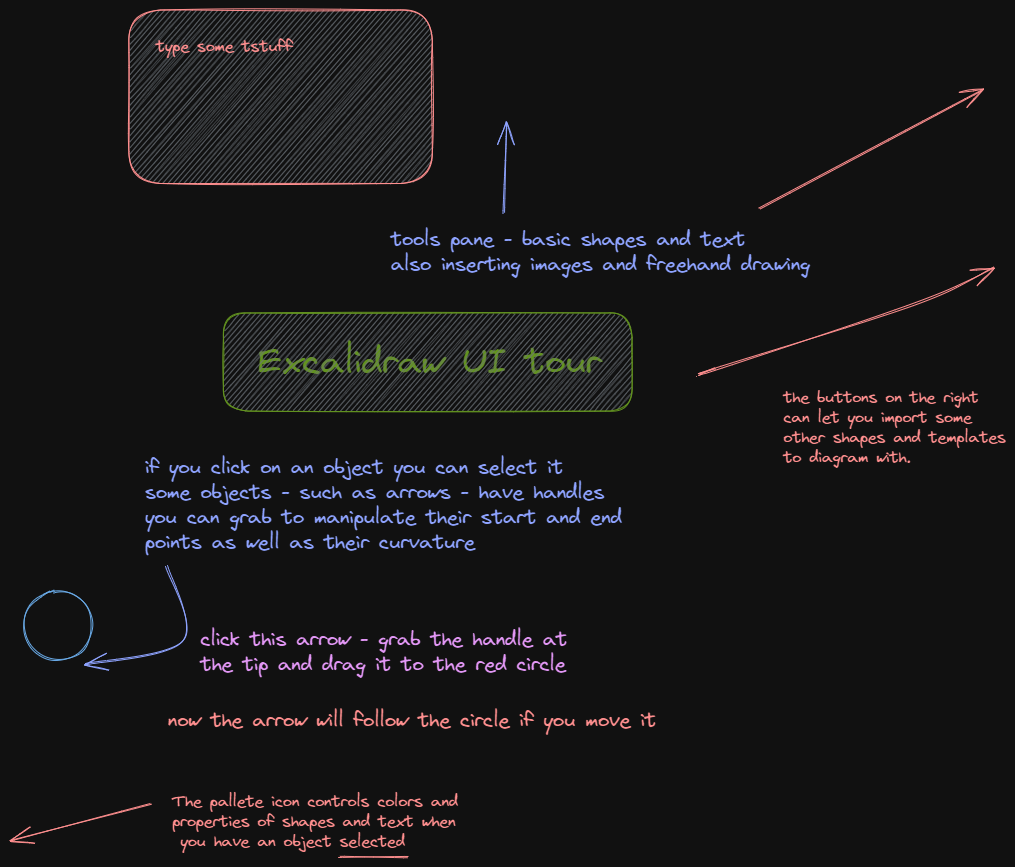
- Excalidraw
- diagramming tool.
- Drawing 2023-02-10 19.35.54.excalidraw.png
- Excalidraw UI tour.excalidraw.png
- [[Zettelkasten workflow.excalidraw.png]
- Periodic Notes
- automatically create daily - weekly - monthly notes with support for templates
- Tasks
- dialogue wizard for creating tasks with due dates, priority and a query language to collect and display them in one place.
- Templater
- More powerful templating tool.
Free and open source Sync plugin that works on all platforms ( you still must choose, possibly pay for, and configure a service to store your files e.g. Dropbox/AWS) obsidian://show-plugin?id=remotely-save
🔌List of recommended plugins not in this vault
🟩 - must have 🟨 - nice extra 🟧 - niche use
- cMenu 🟨
- adds a floating toolbar with formatting buttons similar to word - you can add any command from the command palette to it as well
- Editing Toolbar 🟨
- another Word processor like toolbar
- Commander 🟩
- similar to cMenu, but you add buttons to various parts of the UI - tab bar - side bar - etc.
- Meta-bind 🟨
- create buttons/ date pickers/ suggester inputs in your notes to modify properties or do calculations based on them
- Various Compliments 🟩
- expands on the “unlinked mentions” function to make link suggestions as you type - very handy
- Tag Wrangler 🟩
- merge tags easily
- Review 🟨
- prompt yourself on a date to review a note
- Fleeting Notes sync🟧
- if using the fleeting notes mobile app
- Banners🟨
- allows images to be used as a banner to a note
- Full Calender or Projects🟨
- more fully featured calendar
- Kanban or Projects🟨
- Kanban boards - like Trello
- Ghost Fade Focus🟨
- Focus mode that dims all but the paragraph you are typing in.
- LanguageTool integration 🟩
- More comprehensive spelling and grammar suggestions - can be intrusive
- Style settings🟩
- integrates extra options from themes you install
- Leaflet maps🟧
- if you are importing any fictional maps this can be useful
- Outliner 🟩
- improves function of lists
- Longform and pandoc🟧
- 2 plugins - useful if you are trying to write a longform content and need to export it to word or other formats. Will need an external app installed for pandoc to work.
- Paste mode🟨
- more options when pasting text
- Smart typography🟩
- shortcuts to special characters like em and en dashes and smart quotes
- Quick add🟨
- macros for multiple actions and templates if needed
- Typewriter scroll🟨
- mode that scrolls the line you are working on to keep it centered on your screen.
- TTRPG-Statblocks 🟧
- Add monster statblocks to your notes
🎭recommended themes
- Minimal theme
- anything but - lots of options and useful addons
- has a corresponding “minimal theme settings” plugin
- you will want the “style settings” plugin also
- ITS theme
- good for TTRPGs
Notable settings
- Font size and app zoom level
- under Options → Appearance
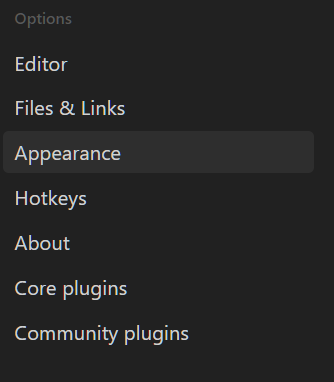
- under Options → Appearance
- Canvas zoom threshold
- adjust if you can’t zoom out far enough on a canvas
- under “Core Plugins” → Canvas